
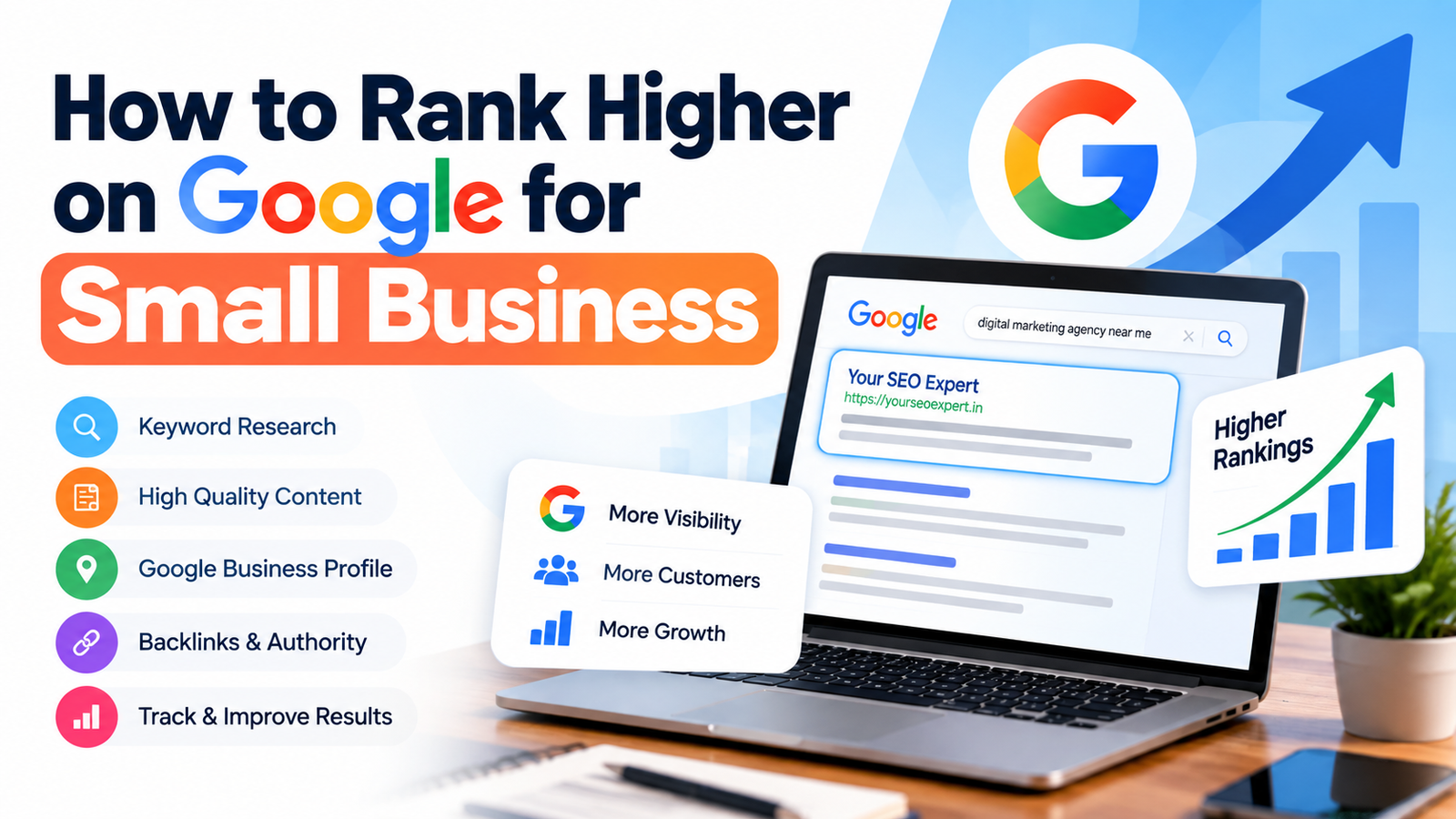
To rank higher on Google for a small business, focus on the searches your customers actually use, build useful pages around those searches, fix technical SEO problems, strengthen internal links, improve local visibility when relevant, and earn trustworthy mentions and backlinks. The goal is not to use more keywords than your competitors. The goal is to create a page that is more useful, clearer, easier to crawl, and better aligned with the searcher’s intent.
Table of Contents
- Why Google rankings matter for small businesses
- The foundation of higher Google rankings
- 12 steps to rank higher on Google
- How local SEO changes the strategy
- How to create content that can rank
- Technical SEO checks that should not be ignored
- Internal links and backlinks
- How to measure Google ranking progress
- Common small business SEO mistakes
- How long does it take to rank higher on Google?
- Frequently asked questions
Why Google Rankings Matter for Small Businesses
For a small business, Google can connect your website with people who are already looking for a product, service, solution, or business like yours. That makes organic search different from simply putting your business name in front of as many people as possible.
The challenge is that small businesses usually cannot compete by publishing hundreds of pages or spending unlimited money on promotion. A better approach is to identify the searches that matter commercially and build a website that answers them exceptionally well.
Google’s own guidance emphasizes helpful, reliable, people-first content and recommends using the words people would use to find your content in prominent, descriptive places. Google also notes that meeting its requirements does not guarantee crawling, indexing, or a particular ranking position. Google Search Essentials is the best starting point for understanding those fundamentals.
The Foundation of Higher Google Rankings
Before trying to rank a new article or service page, make sure the website can support it. Higher rankings are usually the result of several pieces working together rather than one isolated SEO trick.
| SEO area | What to improve | Why it matters |
|---|---|---|
| Search intent | Match the page type and content to what people want. | A great page can struggle if it answers the wrong question. |
| On-page SEO | Titles, headings, copy, links, images, URLs and descriptions. | Clear pages are easier for people and search engines to understand. |
| Technical SEO | Crawling, indexing, mobile experience, HTTPS and performance. | Search engines need to access and understand the page correctly. |
| Content depth | Answer the main question and the important follow-up questions. | Complete, useful content can better satisfy search intent. |
| Authority | Relevant mentions, links, reviews and evidence of expertise. | Trust and reputation help support visibility over time. |
12 Steps to Rank Higher on Google for a Small Business
Choose realistic keywords before you write
Do not start with the biggest keyword in your industry. Start with searches that are relevant to what you sell and realistic for the authority of your website.
Look for specific phrases that reveal a clear problem, service need, location, comparison, or buying intent. For example, a local web agency may have a better opportunity with a focused query around SEO for small businesses than with the extremely broad term “SEO.”
Use Google Search Console to discover queries for which your website already receives impressions. Its Performance reports show queries, clicks, impressions and average position, which can help you find pages that are already close to stronger visibility.
Match the page to search intent
Search the target phrase before creating the page. Look at what Google is currently returning and identify the dominant format.
- Informational searches often need a useful guide or tutorial.
- Commercial searches may need a comparison, service page, or buying guide.
- Local searches often need location relevance and a strong business profile.
- Transactional searches usually need a clear product or service page.
If the search results consistently show detailed guides and you publish a thin sales page, your content may not match the expectation behind the query.
Create dedicated pages for important services
Do not put every service on one generic page. If SEO, social media marketing, web development and lead generation are important offers, give each service enough space to explain who it is for, what it includes, how the process works, and what the next step is.
Your SEO Expert’s SEO services page is an example of a dedicated service destination. Your wider services page can then act as a hub connecting visitors to the individual services.
Write a strong title and clear page heading
Your title should tell searchers exactly what the page covers. Avoid vague titles, exaggerated promises, and repetitive keyword strings.
Google explains that title links are generated from several sources and recommends descriptive, concise titles. Your visible heading should also clearly communicate the subject of the page.
For a page targeting small business SEO, a title such as “Small Business SEO: How to Rank Higher on Google” is clearer than “SEO Services | SEO | Google Ranking | Best SEO.”
Make the first few paragraphs answer the main question
Do not make readers scroll through a long introduction before getting value. Give a concise answer early, then expand with explanations, examples, steps, and edge cases.
This structure also makes your content easier to scan. Readers can quickly understand the answer and then choose the sections that deserve their attention.
Build topic clusters instead of isolated blog posts
One article rarely needs to answer every possible SEO question. Instead, create a main guide and supporting articles that cover closely related topics.
For example, a small business SEO content cluster could include:
- How to rank higher on Google for small business
- How to do keyword research for a small business
- How to optimize a Google Business Profile
- How to improve website speed
- How internal linking works
- How to build backlinks safely
- How to use Google Search Console
Link these pages together where the relationship is genuinely useful. This creates a clearer path for users and helps search engines discover related content.
Strengthen internal linking
Internal links are one of the simplest SEO improvements many small websites overlook. Link from relevant existing pages to important pages using descriptive anchor text.
For example, if you discuss website problems in a blog post, link naturally to your free SEO audit tool or your free SEO audit service when the reader would genuinely benefit from an audit.
Do not add links just to increase the number of links. Each link should help the visitor understand a topic, discover a useful page, or take a relevant next step.
Improve page speed and mobile experience
Check important pages on both mobile and desktop. Large images, unnecessary scripts, poor hosting configuration and heavy page builders can all contribute to a slow experience.
Use Google PageSpeed Insights to inspect performance and identify opportunities. Google describes PageSpeed Insights as a tool that evaluates pages using both lab and real-world data, including Core Web Vitals such as LCP, INP and CLS.
Do not chase a perfect score for its own sake. Fix issues that materially improve the experience for real visitors.
Make your website easy for Google to crawl and index
Check that important pages are not accidentally blocked, canonicalized incorrectly, buried behind broken navigation, or returning errors.
Connect your website to Google Search Console. Use URL Inspection to understand how Google sees important pages and use the reports to identify indexing and performance issues.
Also check your XML sitemap, robots.txt, redirects, HTTPS setup and important internal links.
Build local SEO signals if you serve a local market
If customers visit your location or you serve a defined geographic area, local SEO can be a major part of your strategy.
Claim and complete your Google Business Profile. Keep the business name, category, hours, phone number, website and service information accurate. Add useful photos and respond to customer reviews.
Google says local results are mainly based on relevance, distance and prominence. It also recommends keeping business information complete and accurate and explains that there is no way to pay for a better local ranking.
Earn relevant backlinks and mentions
Backlinks can help search engines discover pages and understand a site’s reputation, but the goal should not be to collect as many links as possible.
For a small business, useful opportunities may include industry associations, local organizations, suppliers, partners, business publications, genuinely useful resources, digital PR, original research, and expert contributions.
A relevant editorial mention from a trusted website can be more useful than a large collection of unrelated low-quality links.
Update pages based on real search data
SEO is not finished when you publish. After a page collects impressions, use Search Console to see which queries are appearing, where the page is being shown, and which sections may need improvement.
If a page receives impressions but very few clicks, review the title and description. If it ranks for related queries that the article barely addresses, improve the relevant sections. If rankings stall, check intent, content quality, internal links, technical issues and competing pages before simply adding more words.
How Local SEO Changes the Strategy
Not every small business needs the same SEO plan. A software company serving customers worldwide has different search opportunities from a dentist, accountant, restaurant, lawyer, contractor or marketing agency serving one city.
Optimize your Google Business Profile
Complete your profile with accurate business information, the right primary category, relevant services, photos, hours and other useful details. Encourage genuine customers to leave reviews and respond professionally to them.
Create useful location and service pages
If you genuinely serve several locations, create pages that provide useful local information rather than copying the same paragraph and swapping city names. Explain the services available in that area, who you serve, relevant examples, and how customers can contact you.
Keep your business information consistent
Make it easy for customers and search engines to understand who you are, what you do, and where you operate. Your website, Business Profile and legitimate business listings should not contain conflicting core information.
How to Create Content That Can Rank
Google’s current guidance is clear that content should be created primarily to help people rather than primarily to manipulate rankings. Google specifically encourages creators to consider whether content provides original information, substantial value, expertise and a satisfying experience. Read Google’s people-first content guidance.
Answer the main question early
Start with a concise answer. Then explain the reasoning, steps, examples and exceptions. This creates a useful structure for both readers who want a fast answer and readers who want depth.
Use H2 and H3 headings logically
Use H2 headings for major sections and H3 headings for supporting points beneath those sections. Headings should describe the content that follows instead of being stuffed with repeated keywords.
Add first-hand experience where you can
Generic advice is easy to reproduce. Practical examples, screenshots, original observations, test results, case studies and lessons from actual projects make content more useful and harder to replace.
Do not write to a word count
A 3,000-word article is not automatically better than a 1,200-word article. Cover the topic properly, answer the important questions, remove repetition and stop when the reader has what they need.
Technical SEO Checks You Should Not Ignore
Before publishing more content, make sure Google can access the content you already have.
- Check that important pages return a successful HTTP response.
- Make sure important URLs are indexable.
- Submit and maintain an XML sitemap.
- Check robots.txt for accidental blocks.
- Use HTTPS across the site.
- Fix broken internal links and unnecessary redirect chains.
- Make pages usable on mobile devices.
- Compress large images and avoid unnecessary scripts.
- Use descriptive titles, headings and alt text.
- Use structured data where it accurately represents visible content and is supported by Google.
Google Search Console is especially useful here because it provides tools for inspecting URLs, submitting sitemaps, monitoring search performance and reviewing Core Web Vitals.
Internal Links and Backlinks: What Small Businesses Should Know
Internal links are completely within your control
Every important page should be reachable through useful internal links. Think of your website as a network rather than a collection of independent pages.
A simple structure might look like this:
- Services page → SEO service page
- SEO service page → SEO audit
- Blog article → SEO audit tool
- Blog article → related SEO guides
- Supporting articles → main topic guide
Backlinks should be relevant
Do not buy large quantities of random links simply because a provider promises fast authority. Focus on relationships, useful resources, genuine PR, industry publications and websites that make sense for your audience.
How to Measure Google Ranking Progress
Track more than one metric. A useful SEO dashboard should connect visibility with business outcomes.
| Metric | What it tells you | What to watch |
|---|---|---|
| Impressions | How often your pages appeared for searches. | Growth in relevant queries and pages. |
| Clicks | How much organic traffic you actually receive. | Whether visibility is turning into visits. |
| Average position | A broad view of where your pages appear. | Movement for commercially important queries. |
| Conversions | Whether organic traffic creates business value. | Leads, calls, purchases or other meaningful actions. |
| Indexed pages | Whether important content is available in Google’s index. | Unexpected exclusions or indexing problems. |
Search Console provides query, click, impression and position data directly from Google Search, making it one of the most useful free tools for monitoring organic search performance.
Common Small Business SEO Mistakes
1. Targeting keywords that are far too broad
Trying to rank a small local website for a huge national keyword can consume months without producing qualified leads.
2. Creating one page for every tiny keyword variation
If several keywords have the same intent, one genuinely useful page may be better than multiple thin pages.
3. Publishing content without internal links
A new article should connect to relevant existing pages and become part of the site’s overall information structure.
4. Ignoring the website’s technical problems
Adding more articles will not fix an indexing problem, broken navigation, severe performance issue, or accidental noindex directive.
5. Buying low-quality backlinks
Cheap link packages can create risk without creating meaningful authority. Prioritize relevance and quality.
6. Measuring rankings but not leads
A keyword ranking can look impressive while producing little commercial value. Connect SEO reporting to enquiries, calls, sales and other business outcomes.
How Long Does It Take to Rank Higher on Google?
There is no universal SEO timeline. It depends on the starting condition of the website, competition, query intent, content quality, authority, technical health and the market you are targeting.
Some low-competition pages can move relatively quickly, while competitive topics may require sustained work over many months. Your SEO Expert’s own free audit guidance similarly explains that noticeable SEO improvement commonly takes several months and that rankings cannot honestly be guaranteed.
Instead of asking only, “How many days until page one?” ask:
- Are important pages indexed?
- Are impressions increasing?
- Are more relevant queries appearing?
- Are pages moving from positions 20–30 toward page one?
- Is organic traffic becoming more qualified?
- Are organic visitors turning into enquiries or sales?
Frequently Asked Questions
What is the easiest way for a small business to improve Google rankings?
Start with realistic keywords and the pages that are most important to your business. Improve search intent, on-page SEO, internal links, technical health, page speed, local visibility where relevant, and useful content before moving into more advanced authority building.
How many keywords should one page target?
There is no fixed number. One page can naturally rank for many related searches when those searches share the same intent. Focus on covering the topic properly rather than repeating a keyword a specific number of times.
Do backlinks still matter for small business SEO?
Relevant backlinks and mentions can support discovery and authority, but they are only one part of SEO. A strong link profile cannot compensate for poor search intent, weak content, technical problems or a poor user experience.
Should a small business focus on local SEO or normal SEO?
If customers search for your business by city, area or proximity, local SEO should be part of the strategy. Businesses serving customers nationally or internationally may need a broader organic search strategy alongside any relevant local signals.
Can I rank higher on Google without paying for Google Ads?
Yes. Organic search results do not require an advertising payment. However, SEO requires ongoing work, and there is no guarantee that a page will achieve a particular position.
Is AI-generated content enough to rank on Google?
Using AI does not automatically make content good or bad. The important question is whether the final page is useful, accurate, original where appropriate, trustworthy and created for people rather than primarily to manipulate search rankings. Review and improve AI-assisted content with real expertise before publishing it.
Not Sure Why Your Website Is Not Ranking?
Get a free SEO audit from Your SEO Expert. We can review your keywords, on-page SEO, technical issues, content gaps, backlinks and competitor opportunities so you know what to fix first.
No card. No automated score dump. No obligation.
Get My Free SEO Audit →Useful official resources: Google Search Essentials · Google helpful content guidance · Google Search Console · PageSpeed Insights · Google local ranking guidance